

Running ads by hand means checking dashboards every morning, pausing weak ads, moving budget and building reports. It works for a while, then it eats your week. Digital marketing ads automation hands the repetitive checks to software so your campaigns respond faster and you spend your time on strategy. This guide shows what you can automate on Meta and Google, and how to do it safely.
What Is Ads Automation?
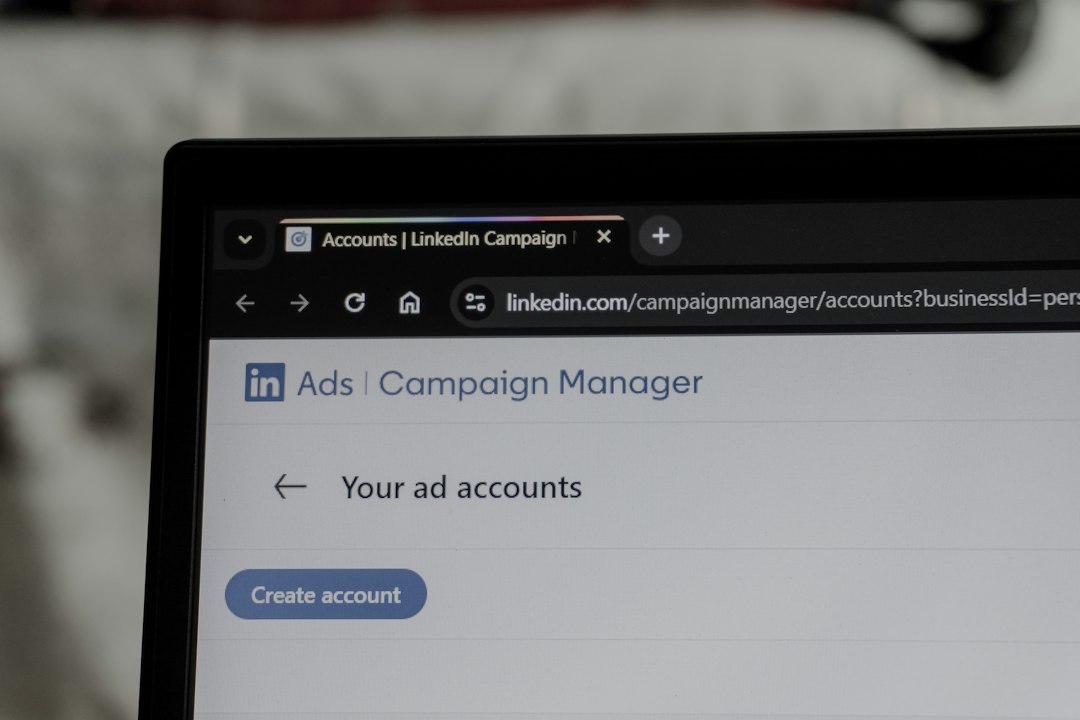
Ads automation is the use of rules, scripts and platform features to manage advertising tasks automatically, such as pausing poor ads, adjusting budgets, testing creatives and sending reports. You set the conditions, and the system acts when they are met.
I use it for clients to reduce wasted spend and speed up optimisation. See my ads automation project for examples of the kind of work involved.
What Can You Automate in Digital Marketing Ads?
Automated rules
Rules are simple if-then instructions. For example, you can pause an ad when its cost per lead stays above your limit, or send yourself an alert when spend rises sharply. Google explains how to set up automated rules, and Meta Ads Manager offers similar rules inside its platform.
Creative testing
Upload several headlines, images and videos and let the platform show each to part of your audience. Review the winners every week and replace the losers. AI tools can help you draft variations; read our guide to AI in digital marketing for safe ways to do this.
Platform-driven campaigns
Both Google and Meta now offer campaigns that use automation to find customers across placements. Google’s Performance Max and Meta’s Advantage+ campaigns are examples. They can save time, but they need good inputs: clear goals, accurate conversion tracking and strong creative.
Reporting and alerts
Connect your ad accounts to a dashboard that refreshes every day. Set alerts for sudden drops in leads or rising costs so you can react the same day.
Platform Automation vs Your Own Rules
| Approach | Strengths | Watch out for |
|---|---|---|
| Platform automation (Performance Max, Advantage+) | Finds audiences and placements quickly; less manual work | Less control and visibility; needs accurate conversion data |
| Your own rules and scripts | Clear logic, tailored to your margins and goals | Poor rules can pause good ads; need review |
| Manual management | Full control for small budgets | Time-consuming and slow to react |
Most digital marketing teams combine all three: platform tools for scale, custom rules for protection and manual checks for strategy.
How to Set Up Ads Automation Step by Step
Step 1: Fix your tracking first
Digital marketing automation is only as good as its data. Make sure conversions are tracked correctly in Google Ads, Meta and Google Analytics. Our guide to performance marketing metrics explains what to track.
Step 2: Define your limits
Decide your target cost per lead, your maximum daily spend and your minimum acceptable results before you create any rules.
Step 3: Create a few simple rules
Begin with two or three rules, not twenty.
Example rule set (hypothetical numbers)
- If an ad set has spent twice your target cost per lead and has no leads, pause it.
- If daily spend exceeds your budget by a set percentage, send an alert.
- If cost per lead has been below target for several days, notify you to consider raising the budget.
Add a waiting period
Do not let a rule act on a single day of data. Require enough clicks or days so random swings do not trigger changes.
Review rule results weekly
Check what each rule did. Adjust or switch off rules that act too aggressively.
Step 4: Test creatives on a schedule
Refresh your ads every few weeks, and test one variable at a time, such as the headline or the image.
Step 5: Automate your reports
Send a weekly summary to your email or WhatsApp with spend, leads, cost per lead and the top and bottom ads. For wider workflows, see our digital marketing automation guide.
Guardrails for Safer Digital Marketing Automation
- Set daily and monthly budget caps.
- Keep human approval for big budget changes.
- Avoid editing campaigns constantly during the platform’s learning period.
- Keep a change log so you know what happened and why.
- Review creative for brand and policy compliance.
Common Ads Automation Mistakes
- Turning on automated campaigns with broken conversion tracking.
- Writing rules that react to too little data.
- Letting automation run without regular review.
- Using the same creative for months.
- Ignoring the landing page, which often limits results more than the ad does.
Conclusion: Let Software Watch, You Decide
Used well, digital marketing ads automation catches waste early, speeds up testing and frees you to focus on offers and strategy. Start with tracking, add a few safe rules and review them weekly. Combine ads with strong organic work from our social media playbook, and if you are still learning the basics, read what digital marketing is.
Want your ads to run smarter, not harder?
I set up Meta and Google campaigns with tracking, automated rules and clear reporting, so wasted spend gets caught early. Share your current ad results and I will point out what to fix first.
Frequently Asked Questions
What is ads automation?
Ads automation uses rules, scripts and platform features to manage tasks like pausing weak ads, adjusting budgets, testing creatives and sending reports, so campaigns respond faster with less manual work.
Is Performance Max or Advantage+ worth using?
They can be effective when you have accurate conversion tracking, clear goals and strong creative. They offer less control, so monitor results closely and compare them with your other campaigns.
What automated rules should I start with?
Start with three: pause ads that spend heavily without producing leads, alert you to unusual spend and flag ads that beat your target cost per lead. Add a minimum data period so rules do not react to random swings.
Can automation reduce my ad costs?
It can help by catching wasted spend sooner and shifting budget to better ads. Savings depend on your tracking, creative quality and landing page, so treat automation as a support, not a guarantee.
Do I need coding skills for ads automation?
Not for basic rules, which you can set up inside Google Ads and Meta Ads Manager. Advanced scripts and dashboards may need technical help or a specialist.
How often should I review automated campaigns?
Check key numbers and rule activity weekly, and run a deeper review monthly. New campaigns need closer attention in the first two weeks.
What are the risks of ads automation?
The main risks are bad data, rules that act too quickly, overspending and losing visibility into what the system is doing. Use budget caps, waiting periods and regular human review.